| .. | ||
| README.MD | ||
| script.py | ||
| style.css | ||

Description:
TL;DR: Lets the bot answer you with a picture!
Stable Diffusion API pictures for TextGen, v.1.2.0
An extension to oobabooga's TextGen allowing you to receive pics generated by Automatic1111's SD-WebUI API
Interface overview
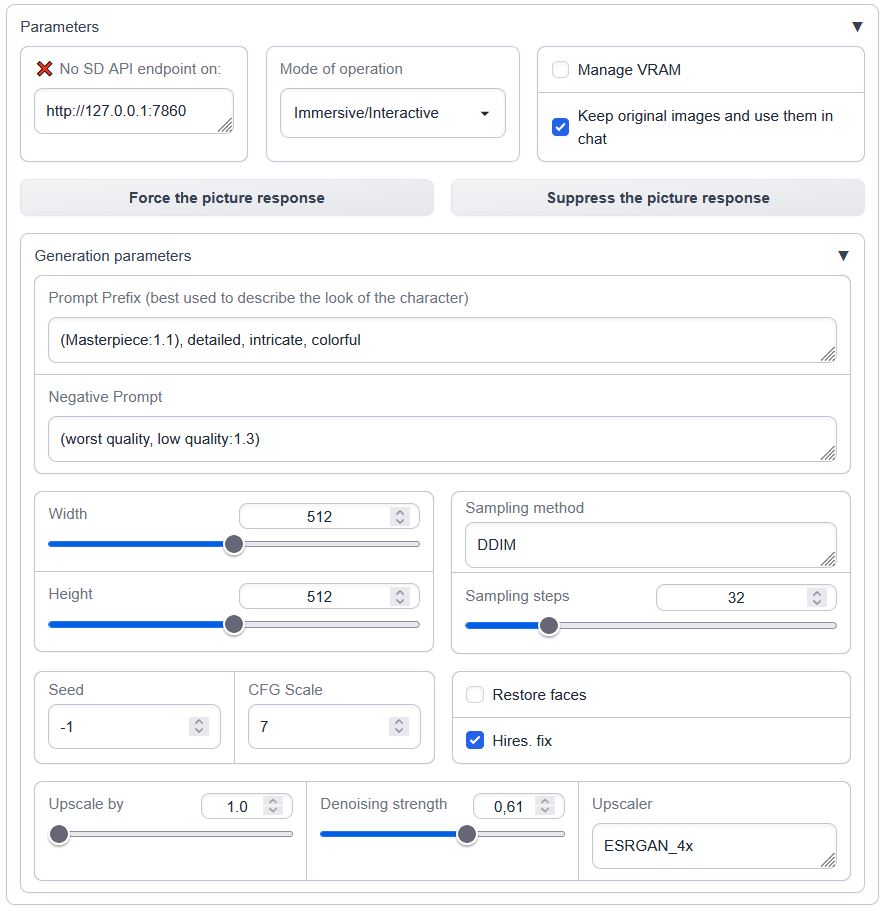
Load it in the --chat mode with --extension sd_api_pictures alongside send_pictures
(it's not really required, but completes the picture, pun intended).
History
Consider the version included with oobabooga's repository to be STABLE, experimental developments and untested features are pushed in Brawlence/SD_api_pics
Lastest change:
1.1.0 → 1.1.1 Fixed not having Auto1111's metadata in received images
Details
The image generation is triggered:
- manually through the 'Force the picture response' button while in
ManualorImmersive/Interactivemodes OR - automatically in
Immersive/Interactivemode if the words'send|main|message|me'are followed by'image|pic|picture|photo|snap|snapshot|selfie|meme'in the user's prompt - always on in
Picturebook/Adventuremode (if not currently suppressed by 'Suppress the picture response')
Prerequisites
One needs an available instance of Automatic1111's webui running with an --api flag. Ain't tested with a notebook / cloud hosted one but should be possible.
To run it locally in parallel on the same machine, specify custom --listen-port for either Auto1111's or ooba's webUIs.
Features overview
- Connection to API check (press enter in the address box)
- VRAM management (model shuffling)
- Three different operation modes (manual, interactive, always-on)
- User-defined persistent settings via settings.json
Connection check
Insert the Automatic1111's WebUI address and press Enter:
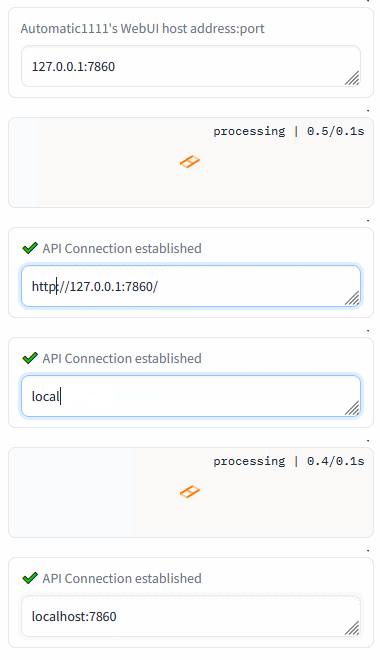
Green mark confirms the ability to communicate with Auto1111's API on this address. Red cross means something's not right (the ext won't work).
Persistents settings
Create or modify the settings.json in the textgen root directory to override the defaults
present in script.py, ex:
{
    "sd_api_pictures-manage_VRAM": 1,
    "sd_api_pictures-save_img": 1,
    "sd_api_pictures-prompt_prefix": "(Masterpiece:1.1), detailed, intricate, colorful, (solo:1.1)",
    "sd_api_pictures-sampler_name": "DPM++ 2M Karras"
}
will automatically set the Manage VRAM & Keep original images checkboxes and change the texts in Prompt Prefix and Sampler name on load.
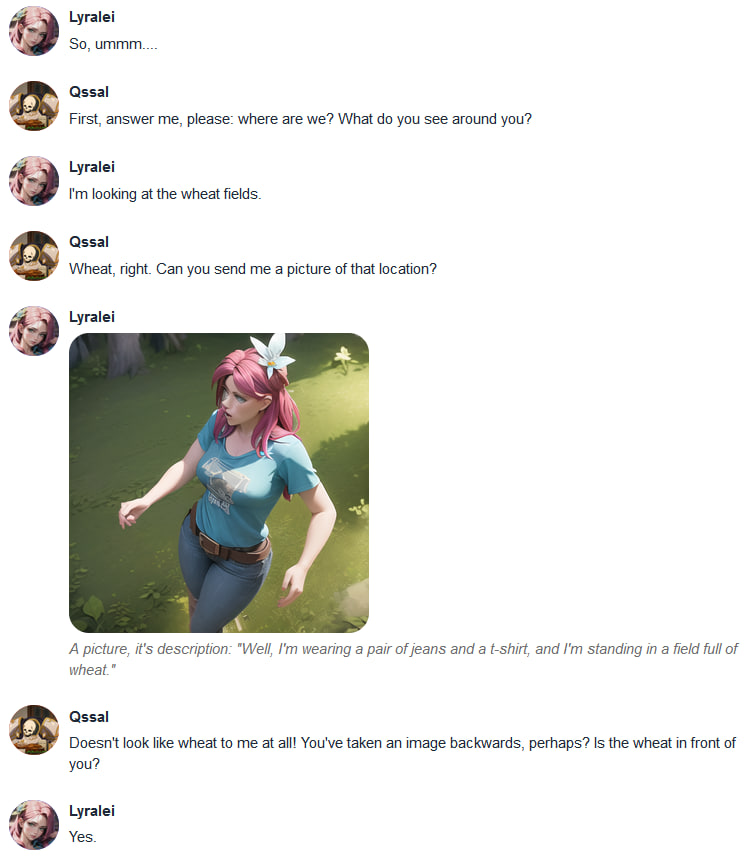
Demonstrations:
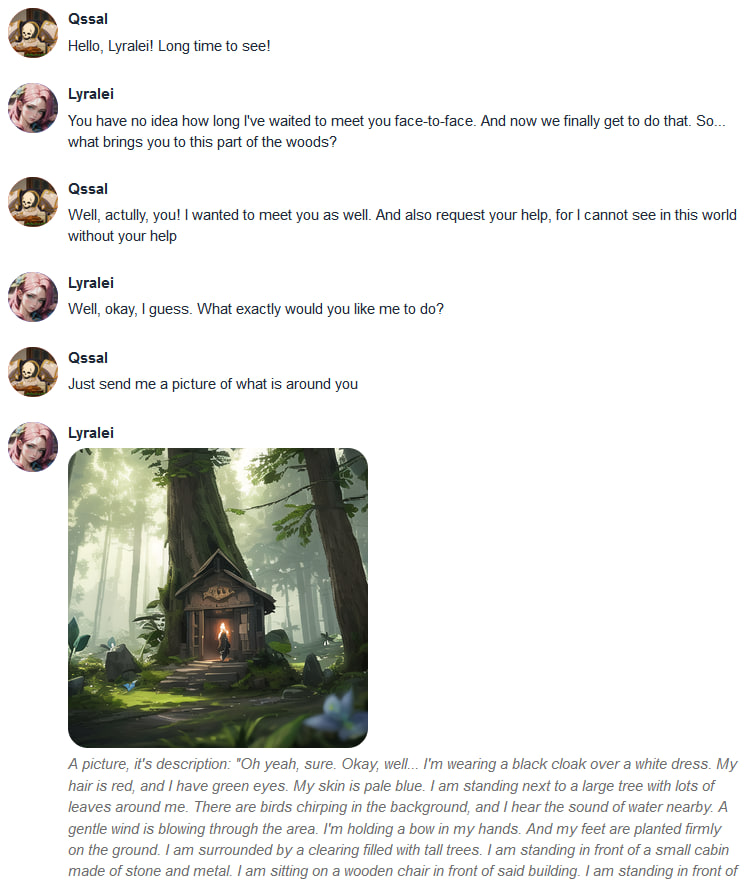
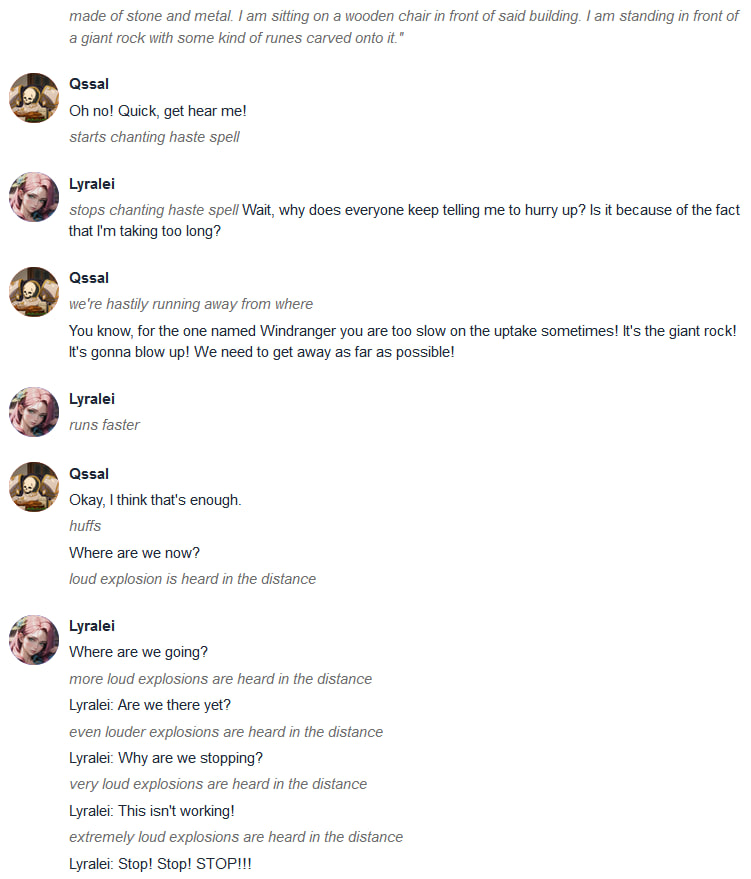
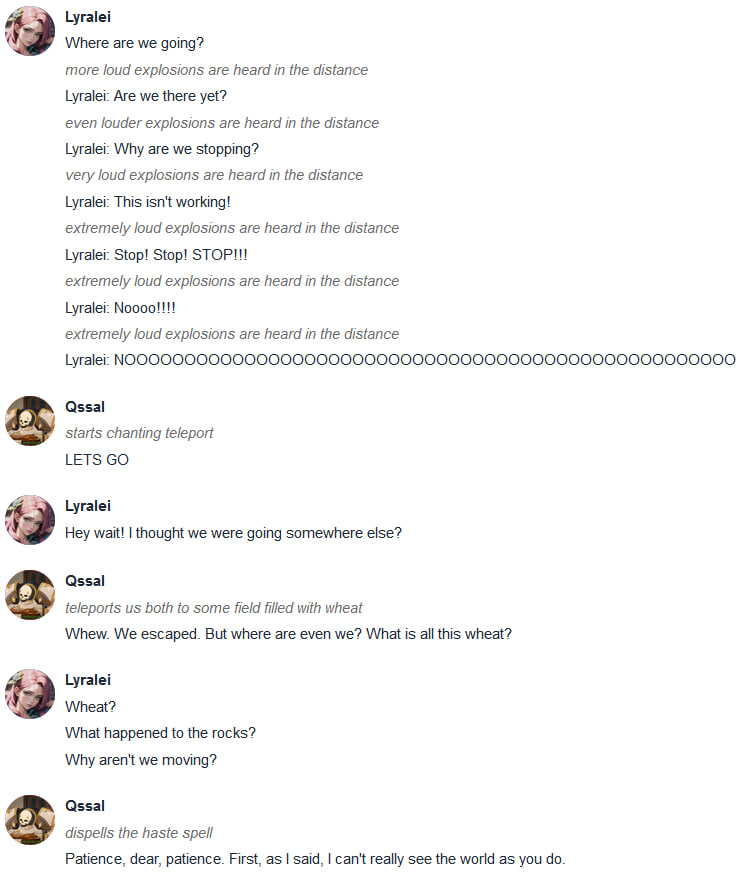
Those are examples of the version 1.0.0, but the core functionality is still the same
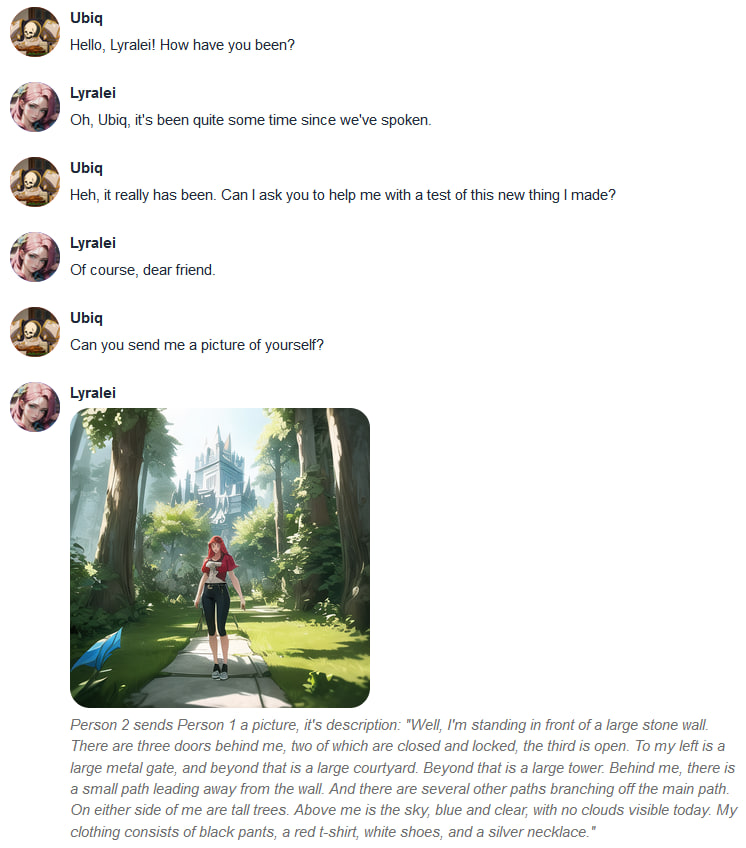
Conversation 1
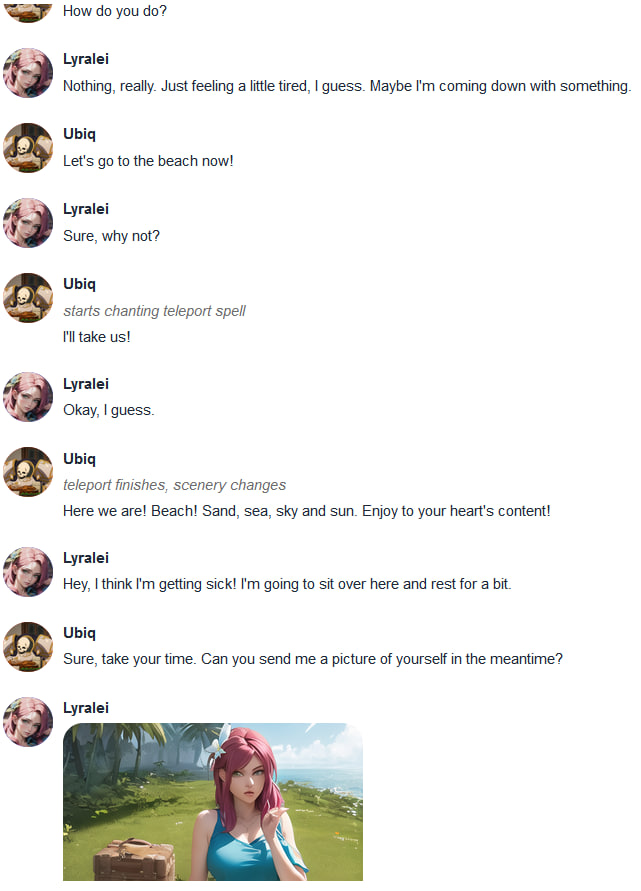
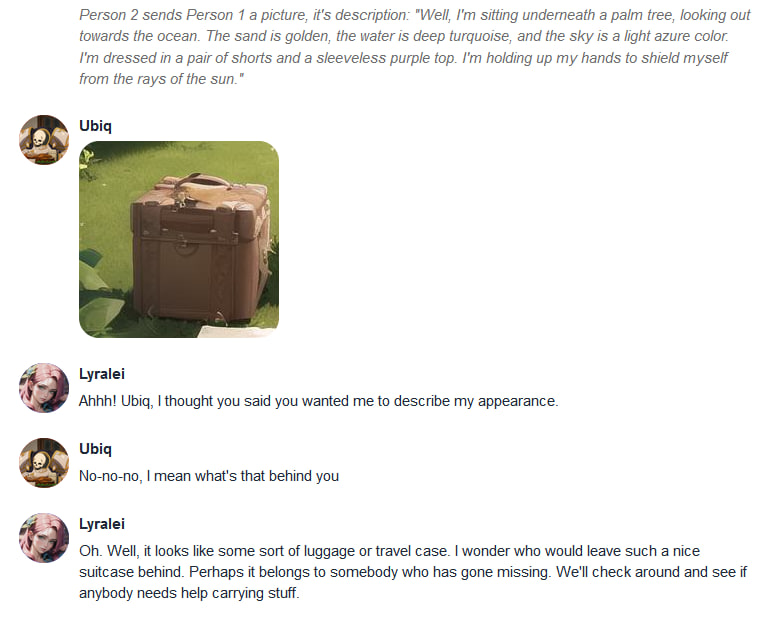
Conversation 2