| .devscripts | ||
| .github | ||
| .vscode | ||
| data | ||
| output | ||
| services | ||
| .editorconfig | ||
| .gitattributes | ||
| .gitignore | ||
| docker-compose.yml | ||
| LICENSE | ||
| README.md | ||
| selinux-cache.sh | ||

Stable Diffusion WebUI Podman
Run Stable Diffusion on your Radeon machine with a nice UI without any hassle!
NOTE:
- Only ROCm supported for now
- Only AUTOMATIC1111 is confirmed to work for now
- CUDA support to be worked on later
- Requires podman-compose 1.1.0 or newer
Setup & Usage
Note: In progress
Download necessary models
$ podman-compose --profile download build
$ podman-compose --profile download up -d
Run AUTOMATIC1111 Stable Diffusion Web UI
$ podman-compose --profile auto build
$ podman-compose --profile auto up -d
Create AUTOMATIC1111 Stable Diffusion Web UI Podman service
$ podman generate systemd --new webui-docker_auto_1 > ~/.config/systemd/user/automatic1111.service
Enable and run AUTOMATIC1111 Stable Diffusion Web UI Podman service
$ systemctl --user enable --now automatic1111.service
Features
This repository provides multiple UIs for you to play around with stable diffusion:
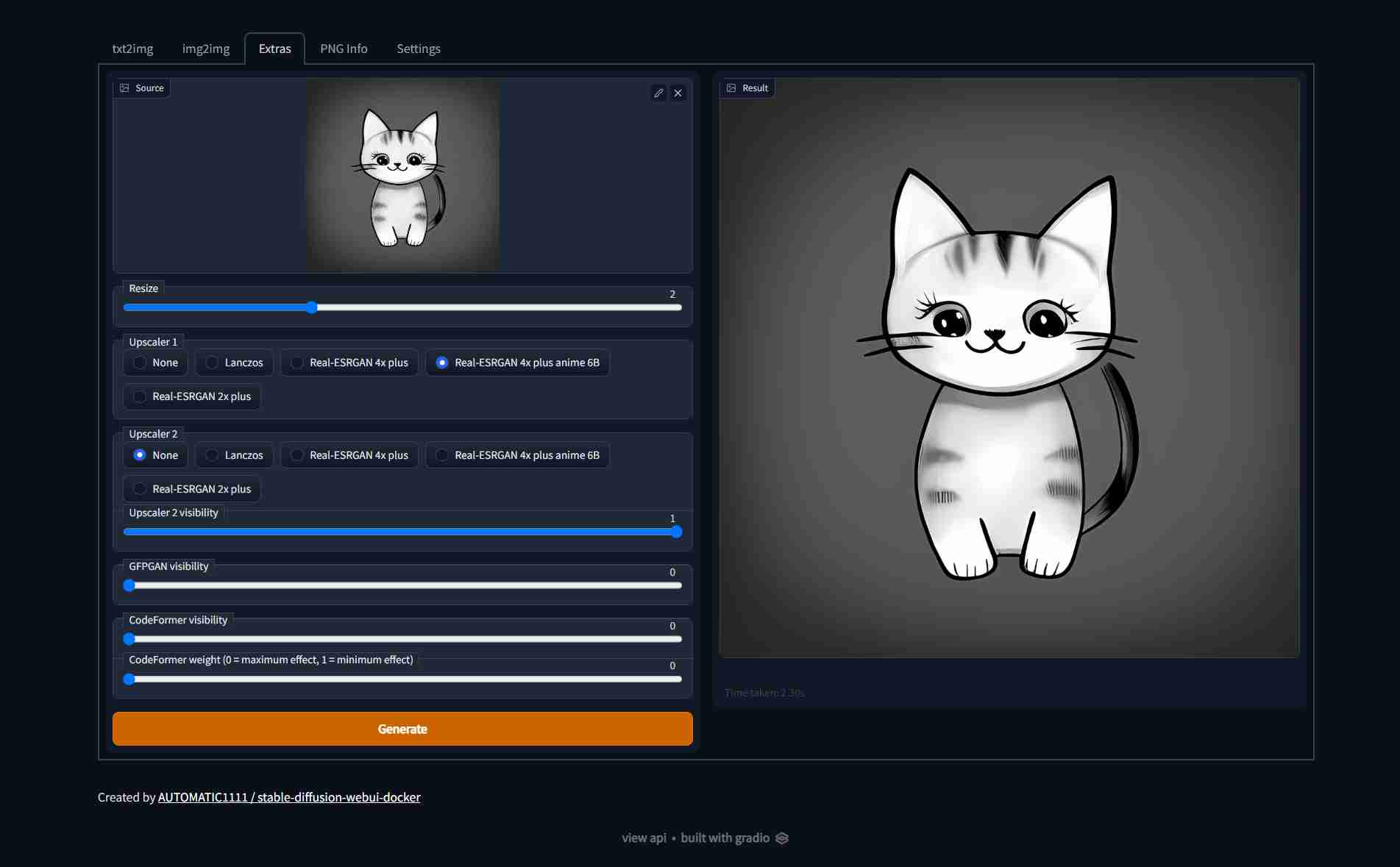
AUTOMATIC1111
Full feature list here, Screenshots:
| Text to image | Image to image | Extras |
|---|---|---|
 |
 |
 |
InvokeAI
Full feature list here, Screenshots:
| Text to image | Image to image | Extras |
|---|---|---|
 |
 |
 |
ComfyUI
Full feature list here, Screenshot:
| Workflow |
|---|
 |
Contributing
Contributions are welcome! Create a discussion first of what the problem is and what you want to contribute (before you implement anything)
Disclaimer
The authors of this project are not responsible for any content generated using this interface.
This license of this software forbids you from sharing any content that violates any laws, produce any harm to a person, disseminate any personal information that would be meant for harm, spread misinformation and target vulnerable groups. For the full list of restrictions please read the license.
Thanks
Special thanks to everyone behind these awesome projects, without them, none of this would have been possible: